Before You Buy a Hardware Wallet: 5 Security Decisions That Actually Matter
From seed generation to transaction signing, discover five security questions worth asking before choosing a hardware wallet.

You already use crypto, and now you are considering a hardware wallet. You visit a few manufacturers’ websites and see familiar promises: air-gapped, EAL6+, Secure Element, open-source, military-grade security.
They sound reassuring. But which claims actually tell you something useful about the protection of your funds, and which simply look impressive on a feature list?
Let’s follow five decisions you will face, from choosing a device to approving your first transaction.
1. Before buying: Who has checked the device’s security?
A manufacturer can call its wallet secure. The more useful question is: how can you verify that claim?
Start with independent security assessments. Do not stop at the laboratory’s logo. Ask what was tested: the chip, the firmware, the companion app, or the complete device - and which version.
For example, an EAL6+ certification for a Secure Element does not mean the entire wallet has been evaluated at EAL6+. Under the Common Criteria framework, an evaluation applies to a defined target and scope. An assurance level is not a promise that no vulnerabilities exist. For a deeper explanation of what EAL ratings actually certify, read our guide to EAL6+ and hardware wallet security.
What about open-source firmware? Public code makes independent review possible, but availability alone does not mean someone has examined every security-critical path or found every bug.
The Coldcard incident is a reminder: a flaw affecting seed generation in firmware dating back to 2021 remained undiscovered for years, despite the code being publicly available.
The takeaway: Look for evidence, not absolutes: published reports, the assessment scope, dates, and a clear record of how security issues are fixed.
2. First setup: Where does your seed phrase come from?
You turn on your device, select Create Wallet, and receive 12 or 24 words. They look random, but their security depends on more than the word count.
Entropy is the unpredictability behind the secret used to generate your wallet. If the random-number generator is flawed, the possible seeds may be far easier to guess than the words suggest. An attacker might recover a weak seed without ever touching your hardware wallet.
A real example began on July 30, 2026, when bitcoin started moving from wallets affected by a Coldcard firmware flaw. According to TRM Labs’ analysis published on August 5, 2026, the losses were estimated at around 1,816 BTC ($116 million) across more than 5,200 addresses. These were preliminary estimates, not a final confirmed total. The underlying error caused affected devices to use a weak software random-number generator instead of the intended hardware source.
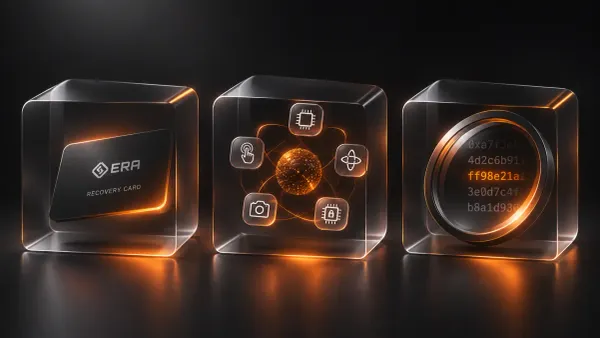
One way to reduce dependence on a single source is to combine multiple independent sources of entropy. If one fails, another unpredictable source may preserve the strength of the result - provided the sources are genuinely independent and combined correctly. More sources are not automatically better if the implementation is flawed.
The US National Institute of Standards and Technology explains how entropy sources are designed, evaluated, and health-tested in NIST SP 800-90B. For a closer look at why source diversity matters, read our article Randomness You Don’t Have to Trust: How ERA Generates Your Seed Phrase.
The takeaway: Ask how your seed is generated, what randomness sources are used, and how their correct operation is verified.
3. Wallet created: What if you lose the device?
Next comes the backup. Your cryptocurrency is not stored inside the hardware wallet; ownership is recorded on the blockchain, while the wallet protects the secrets that let you authorize transactions.
A seed phrase can usually restore your wallet on compatible software or hardware. That also means someone who obtains your seed phrase may be able to restore access to your funds. If you use an additional passphrase, recovery requires that too.
A useful backup must solve two problems at once: it should survive loss or damage to the device, and it should remain inaccessible to people who should not have it. Paper, metal, and encrypted backup systems each involve different trade-offs, including theft, destruction, exposure, and recovery failure.
The takeaway: Protect your backup as carefully as the device, and make sure your recovery method actually works before you need it.
4. First transfer: What does air-gap actually mean?
You have funded your wallet and are ready to send crypto. The device needs to receive transaction data, sign it with a private key, and return a signature for broadcasting through a connected app.
Air-gap describes an architecture in which the signer has no direct network connection. Some wallets exchange unsigned transactions and signatures through QR codes rather than USB or Bluetooth.
This separation reduces certain remote attack paths and limits the signer’s exposure to a compromised phone or computer. But QR codes still carry input that the device must parse safely. “Offline” does not mean “unable to receive potentially malicious data.”
The takeaway: Air-gap is a useful isolation measure, not a blanket guarantee that firmware or transactions are safe.
5. Approval: Do you understand what you are signing?
Now imagine the private keys are well isolated and the device is offline, but its confirmation screen shows only an unreadable string of data.
This is the problem of blind signing. Smart-contract transactions can contain encoded instructions. If a hardware wallet cannot interpret them, you may be approving actions you cannot meaningfully verify on the device.
That raises a simple question: what is the value of protecting your private key if you do not understand what you authorize with it?
One approach is to decode supported transactions directly on the signing device. ERA Lens in the ERA Wallet device is designed to perform this decoding offline, so users can review relevant transaction details on the device rather than relying solely on how a connected app describes them.
The takeaway: Security is not only about where a private key lives. It is also about whether you can verify what you are authorizing before you sign.
Security starts with better questions
A hardware wallet is an important self-custody tool, but the number of certifications and security features on a product page tells only part of the story.
Before buying, ask five things: Who verified the device? How are its keys generated? Can you recover access safely? How does it sign transactions? And what will you actually see before you approve one?
Self-custody removes the need to entrust your keys to a third party. It does not remove the need to understand the technology protecting them.
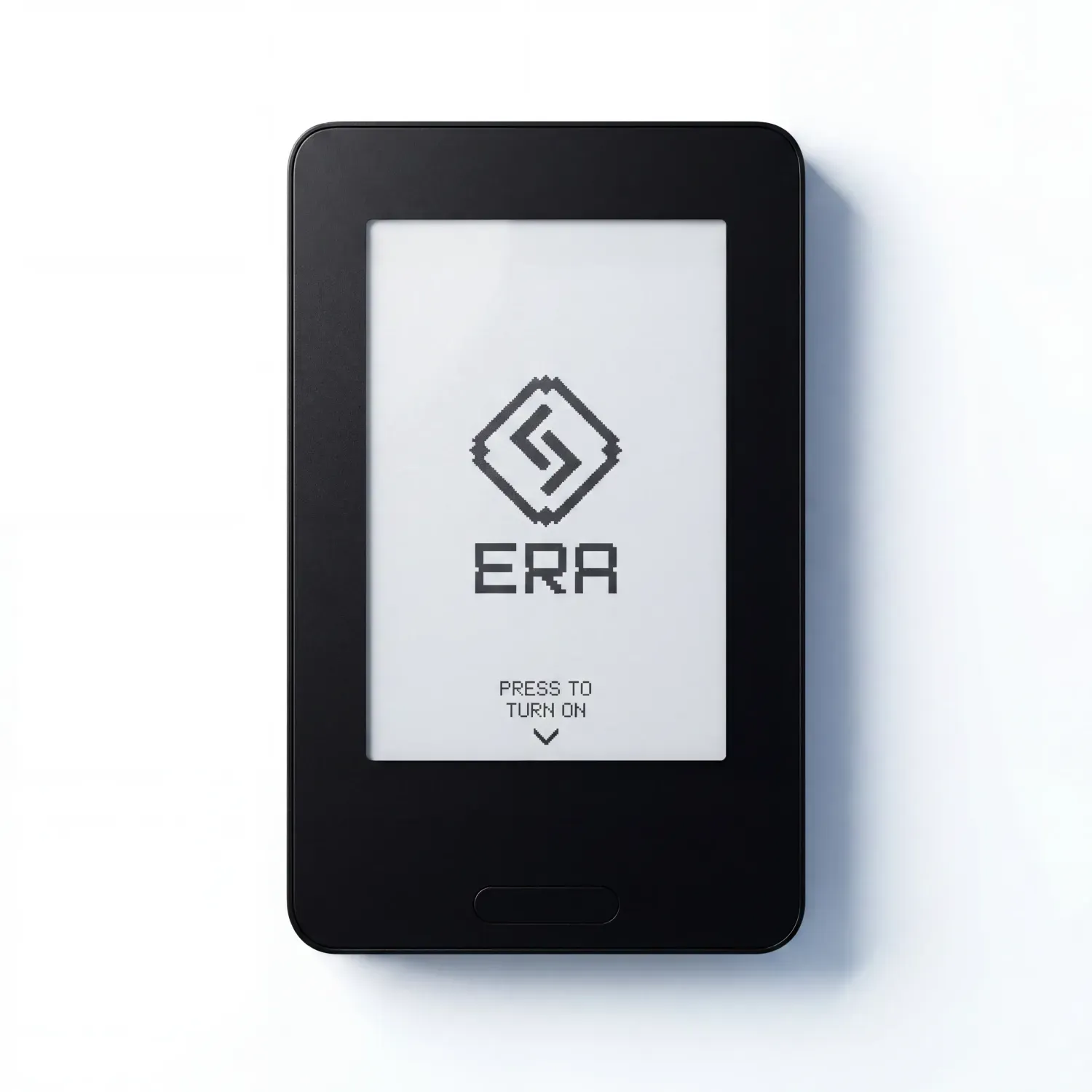
Security is more than keeping keys offline. Discover ERA Wallet device: independent entropy sources, air-gapped signing, and offline transaction decoding with ERA Lens.
Code ERABLOG20 for 20% off.