
A Fake Phantom Wallet Had 546 Reviews. Would You Have Trusted It?
A fake Phantom extension had 546 reviews. Here's how wallet impersonation works and why verifying both your app and hardware matters.

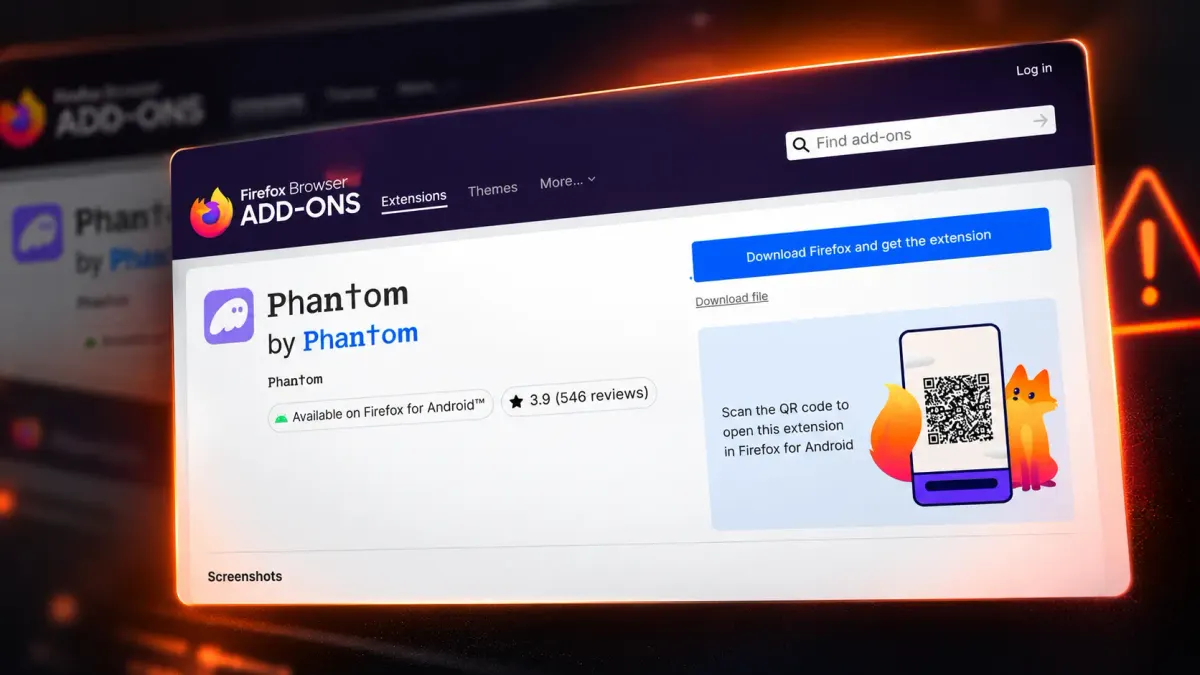
Imagine searching for Phantom in the Firefox extension store.
You find the familiar purple ghost icon, the right-looking name, and hundreds of reviews. The extension has a 3.9-star rating. Everything looks legitimate.
You install it. Except it isn't Phantom.
On October 27, 2026, security researchers at Socket reported three malicious Firefox extensions impersonating Phantom, Jupiter, and Bitget Wallet.
The fake Phantom used the original logo, a nearly identical name, and convincing marketing copy. Behind that familiar appearance was malicious code designed to steal recovery phrases and private keys.
All three extensions had been removed from Firefox Add-ons by the time the investigation was published.
But the incident raises a question most people rarely ask before setting up a crypto wallet:
How do you know the app you're about to trust with your crypto is actually genuine?
How the Fake Phantom Looked Real
The attackers didn't invent a new wallet. They borrowed the reputation of one people already trusted.
The fake extension copied Phantom's branding and used Unicode characters that closely resembled the letters in its name. At a glance, the difference was difficult to notice.
Then came the reviews.
Over roughly two days, the listing went from 275 to 546 reviews, while its rating climbed from 2.9 to 3.9 stars. Researchers identified signs of rating manipulation that pushed negative feedback further out of sight.
And there was another credibility signal: the extension appeared in an established browser marketplace.
But the real threat was hidden in the code.
The fake Phantom included a mechanism that downloaded and executed additional malicious code from an attacker-controlled server. This allowed its operators to change what the extension did after publication, without submitting another version for review.
The malware could capture recovery phrases and private keys, giving attackers the information needed to restore victims' wallets and potentially transfer their assets.
Some reviews reported financial losses, although researchers couldn't independently verify those claims.
Importantly, this wasn't a compromise of the legitimate Phantom, Jupiter, or Bitget Wallet applications. It was a campaign built around impersonating them.
And it worked by exploiting a familiar assumption: if something looks genuine and appears in a trusted store, it probably is.
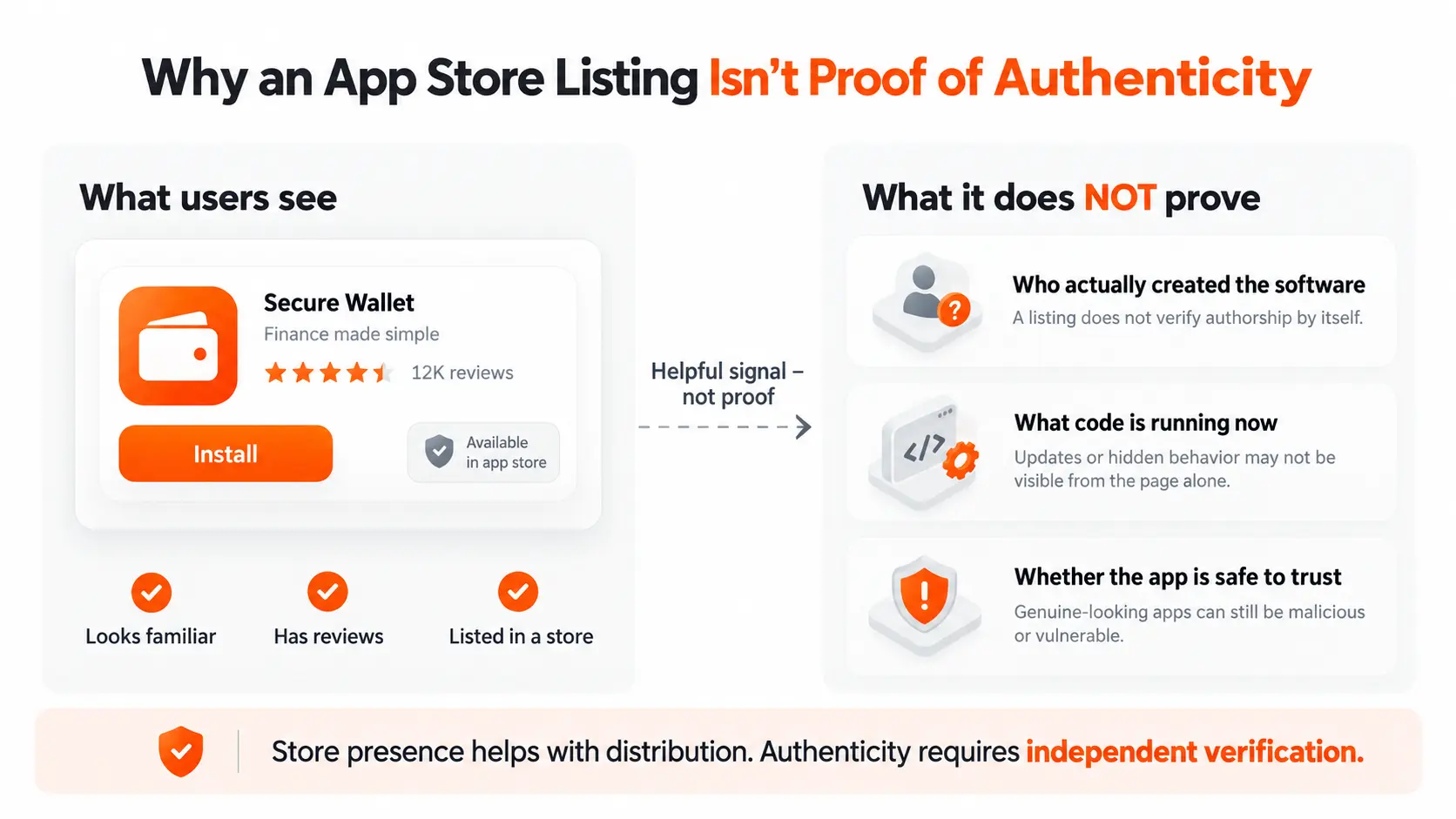
Why an App Store Listing Isn't Proof of Authenticity
App stores and browser marketplaces use security checks to reduce malicious software distribution. Those checks matter. But no review process catches everything.
Finding an application in a familiar store doesn't automatically prove who created it or whether its code is safe.
These are different questions.
An official download source helps establish where the software came from. Digital signatures and cryptographic verification can provide stronger evidence about its origin. Security analysis, meanwhile, helps identify vulnerabilities or malicious behavior.
None of these should be confused with a recognizable logo or positive reviews.
That's why downloading wallet software through links on the developer's official website is a sensible first step.
But what happens after installation?
A green checkmark saying "Your wallet is genuine" isn't necessarily convincing either. A malicious application could display exactly the same message.
If an app verifies itself using nothing but its own interface, the user is still being asked to trust the thing they're trying to verify.
A more meaningful check needs evidence that can be independently validated.
What Does It Mean to Verify an App?
One approach uses a cryptographic principle called challenge-response authentication.
Instead of accepting a simple claim, a verifying system issues a unique challenge. The system being checked must produce a cryptographic response linked to that challenge.
The verifier then checks the response against trusted information.
Because each challenge is unique, an attacker shouldn't be able to pass a new verification simply by replaying an old response.
Some implementations go further by using hardware-backed attestation.
In these systems, security features built into a phone or other device provide cryptographic evidence about a key or the environment where it was created.
That doesn't automatically prove every line of application code is safe. What it establishes depends on the evidence collected and the verification rules.
But it introduces an important distinction.
Instead of relying on how convincing an application looks, users can examine evidence about what they're actually running.
For crypto wallets, this matters because the consequences of trusting malicious software can be irreversible.
First Verify the App. Then Verify the Device.
Hardware wallets add another dimension to the problem.
Their purpose is to keep private keys and signing operations separated from the everyday environment of a smartphone or computer.
But this creates two distinct questions:
Is the application I'm using genuine?
Is the physical device holding my private keys genuine?
A legitimate app doesn't automatically prove the hardware is authentic. And verifying hardware through an untrusted application raises questions about whether the result can be trusted.
Ideally, both components should be verifiable. Here's how ERA Wallet approaches this.
How to Verify ERA Wallet app and ERA Wallet device
Step 1: Verify ERA Wallet app
ERA Wallet provides a separate verification service for ERA Wallet app, available from version 1.12 onward.
The process starts in a browser at verify.era-wallet.com.
In ERA Wallet app, the user opens Settings → Verify app and scans the website's QR code or enters the verification code manually.
Here's what happens behind the scenes.
The phone creates a hardware-backed cryptographic key bound to that specific code and sends attestation data to ERA's server.
The verification service evaluates the submitted evidence, and the website displays the results, including information about what was measured.
Why does this matter?
Because the result isn't presented solely inside the application being checked.
Instead of asking users to trust a message generated by ERA Wallet app itself, the process provides verification information through a separate browser session.
Of course, users still need to confirm they're visiting the legitimate ERA verification website. And the evidence must be interpreted within the limits of the underlying attestation system.
The objective isn't to promise that software can never be compromised. It's to make authenticity something users can check rather than simply assume.
Step 2: Verify ERA Wallet device
Once ERA Wallet app has been checked, users can verify the hardware itself.
ERA Wallet device contains a secure cryptographic chip that participates in its authenticity check.
The process uses a challenge-response exchange through QR codes.
In ERA Wallet app, the user opens Settings → Authenticity Check.
On ERA Wallet device, they navigate to Settings → Authenticity.
The app generates a verification challenge and displays it as a QR code. The device scans that challenge, and its secure chip signs the response.
ERA Wallet device then displays its own QR code containing the answer.
The user scans it with ERA Wallet app, which verifies the cryptographic signature and reports the result.
Unlike packaging, logos, or printed serial numbers, this verification depends on the device producing a valid cryptographic response.
The check is included in the initial setup process before creating the first wallet. Users can also repeat it later.
The complete procedure is described in the official ERA Wallet authenticity guide.
Together, these two checks establish a clear sequence:
First verify ERA Wallet app through the independent verification website. Then use the checked application to verify ERA Wallet device.
Only after that does the user need to trust the setup with wallet secrets.
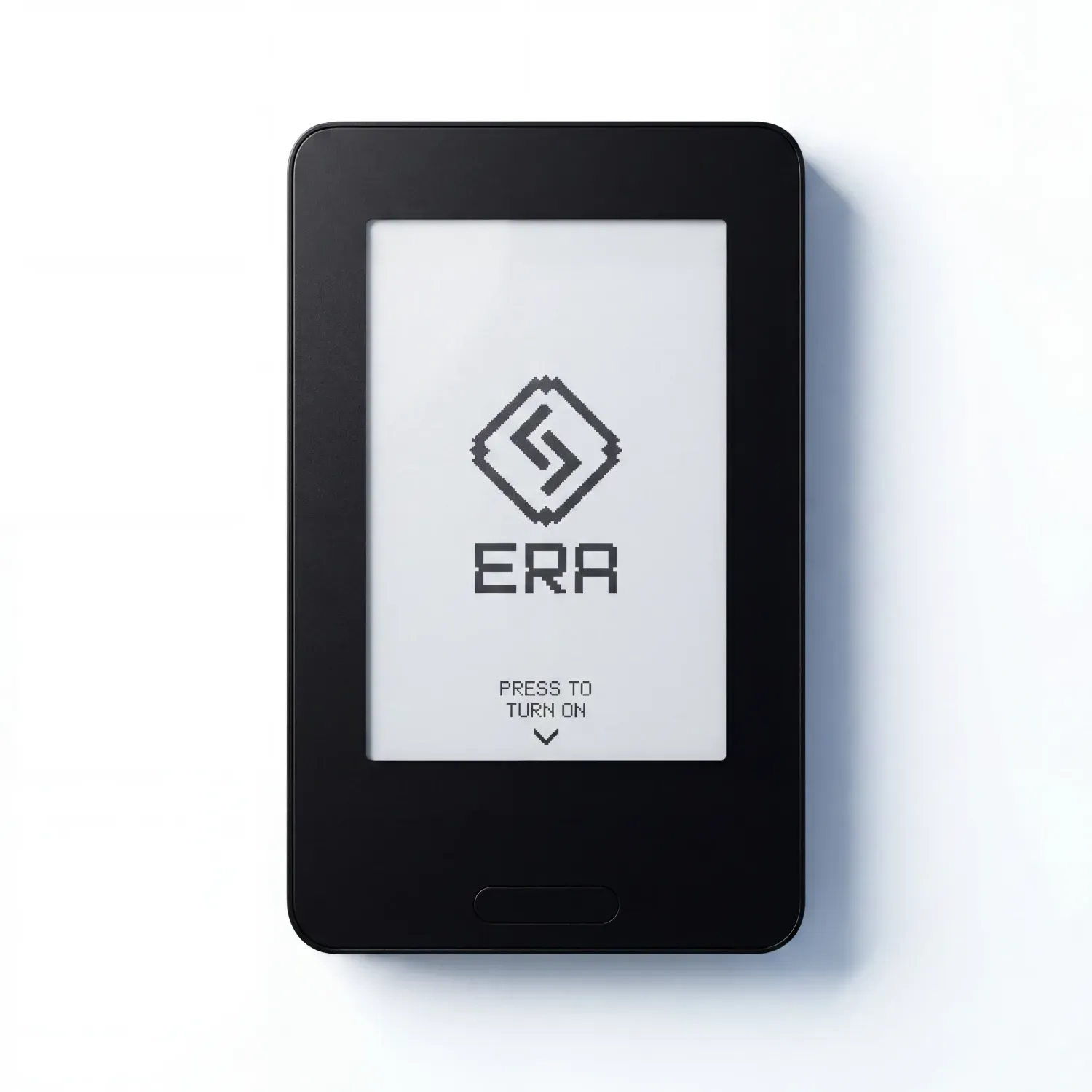
Verify the app. Verify the device. Then trust them with your keys.
Code ERABLOG20 for 20% off.
What Authenticity Verification Doesn't Guarantee
Authenticity and security aren't the same thing.
A genuine application may still contain vulnerabilities. A genuine hardware wallet cannot prevent every phishing attack or protect a recovery phrase voluntarily shared with someone else.
And even an authentic wallet can't make a malicious smart contract safe to sign.
Verification answers a narrower question: does the system provide the expected evidence of its authenticity?
That's valuable, but it belongs within a broader security model that includes protecting private keys, reviewing transactions, securing recovery backups, and maintaining trusted software.
The goal isn't to eliminate every possible risk with a single feature.
It's to reduce unnecessary assumptions about the tools being trusted.
How to Avoid Fake Crypto Wallets
Not every wallet offers independent authenticity verification. But several practical precautions can reduce the risk of installing malicious software.
- Start with the official website. Follow the developer's links to application stores and browser extensions instead of relying on search results. Check the domain carefully.
- Don't judge software by its appearance. Logos, names, screenshots, and reviews can all be copied or manipulated.
- Use verification tools when available. If a wallet offers digital signature checks or a documented authenticity verification process, take advantage of it.
- Never share your recovery phrase. A website asking for it to verify or synchronize your wallet is a major warning sign. If your recovery phrase has been exposed, treat the wallet as compromised and move any remaining assets to a new wallet created in a trusted environment.
- Verify hardware before setting it up. If your device supports authenticity checks, complete them before creating or importing a wallet.
These steps don't eliminate every risk, but they make it harder for attackers to succeed through imitation alone.
Real Security Starts With Verification
The fake Phantom incident shows how convincing malicious software can look.
A familiar logo, hundreds of reviews, and a listing on a well-known platform can all create the appearance of legitimacy.
But appearance isn't evidence.
Cryptographic verification changes the question from "Does this look real?" to "Can this provide evidence that it's genuine?"
That applies to both the software you use and the hardware holding your private keys.
Because security shouldn't begin with blind trust.