Crypto Scam: What QR Codes Can Hide and How to Protect Your Funds
QR codes can conceal fraudulent wallet addresses, phishing links, and malicious signing requests. Learn how to verify payment details and review transactions before authorizing them.

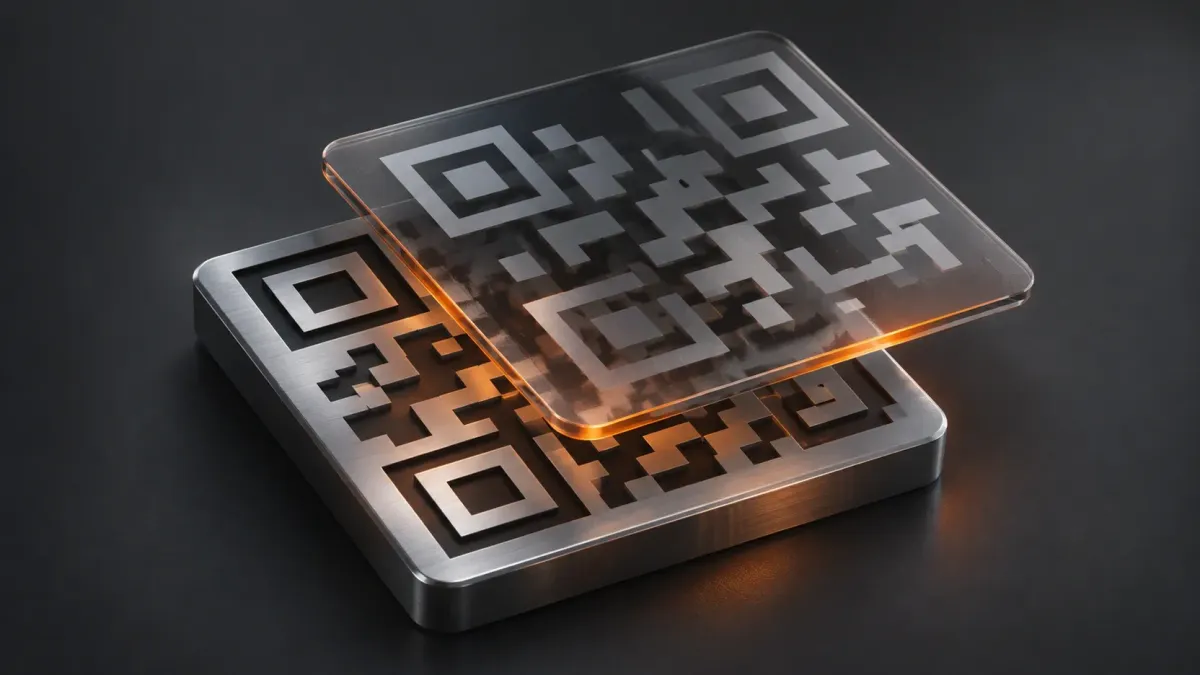
A QR code saves you from manually entering a long crypto wallet address. Scan it, and your wallet fills in the payment details. But this convenience also creates an opportunity for a crypto scam: behind a familiar black-and-white pattern could be an attacker's address, a phishing link, or a malicious wallet connection request.
Unlike a written address, a QR code cannot be read directly by the human eye. It transfers information without proving where that information came from. Reviewing the decoded data on a trusted screen before approving a transaction is therefore an essential part of crypto wallet security.
What Is Actually Inside a Crypto QR Code?
A QR code does not necessarily contain a wallet address. Its contents depend on the application, website, or protocol that generated it.
For Bitcoin, the BIP-321 specification defines a payment URI format that can include a recipient address, an amount, a payment label, and additional parameters.
Crypto applications use QR codes for several purposes:
- Receiving addresses. Public wallet addresses to which cryptocurrency can be sent.
- Payment requests. Instructions containing a recipient address, amount, or additional payment parameters.
- Website links. URLs leading to payment pages, exchanges, or authentication interfaces.
- Wallet connection requests. Information used to establish a connection between a wallet and a Web3 application.
- Offline signing requests. Transaction data transferred to a hardware wallet for review and signing.
These operations have different security implications. Scanning a receiving address is not the same as authorizing a transaction, and connecting a wallet does not automatically transfer funds.
Four Common Crypto Scam Scenarios Involving QR Codes
1. Replacing a Physical QR Code
An attacker can place a fraudulent QR sticker over a legitimate payment code. Customers believe they are scanning the merchant's payment details when they are actually receiving information supplied by the attacker.
The FBI has warned about QR code tampering, including the replacement of physical and digital codes to redirect payments or steal financial information.
With cryptocurrency, the consequences can be particularly serious. A confirmed transfer to an attacker's address generally cannot be reversed through the blockchain itself.
2. Fake or Compromised Payment Pages
A fraudulent website may display a payment QR code alongside convincing branding and familiar checkout elements. Legitimate websites can also be compromised, allowing attackers to alter the payment information presented to visitors.
The QR code may accurately encode the address displayed on the page. In this case, the problem originates with the payment information itself, rather than the scanning process.
Our analysis of the Optimizely supply chain attack explores how compromised web infrastructure can expose users to manipulated cryptocurrency payment details.
3. QR Codes in Emails and Support Messages
An attacker impersonating an exchange or customer support representative may claim that suspicious activity has been detected on your account. You are then asked to scan a QR code to verify your identity or transfer funds to a supposedly secure wallet.
The FTC warns about malicious QR codes delivered through unexpected messages and emails.
Instead of following the supplied code, open the service independently and check whether the notification appears in your account.
4. Malicious Wallet Connection Requests
QR codes are also used to connect wallets to decentralized applications. The ERC-1328 specification, for example, describes the WalletConnect URI format.
A phishing website can present a wallet connection QR code and subsequently request transaction or message signatures. These requests may authorize asset transfers or grant smart contracts permission to spend tokens.
Connecting a wallet is not itself a transfer of assets. The danger arises when users authorize requests without understanding their consequences.
Why Checking the First and Last Characters Is Not Enough
Many users verify addresses by comparing a few characters at the beginning and end. While convenient, this habit leaves room for manipulation.
In crypto address poisoning attacks, scammers use addresses that resemble legitimate ones and attempt to introduce them into a victim's transaction history. Users who copy familiar-looking addresses without checking every character may unknowingly select the wrong recipient.
Effective wallet address verification requires comparing the complete address against payment details obtained from an independently trusted source.
Even identical addresses on two screens do not establish the recipient's identity if both screens received their information from the same compromised website.
How QR Signing Works With a Hardware Wallet
In an air-gapped signing workflow, QR codes transfer transaction information from a software wallet to a separate hardware wallet without requiring a direct network connection between them.
On the ERA Wallet device, SCAN QR allows users to scan signing requests generated by compatible software wallets. The device identifies supported requests and opens the corresponding transaction review.
ERA Lens decodes supported transaction data directly on the device, without an internet connection. Users can review the recipient, amount, network, fees, and available smart contract information before signing.
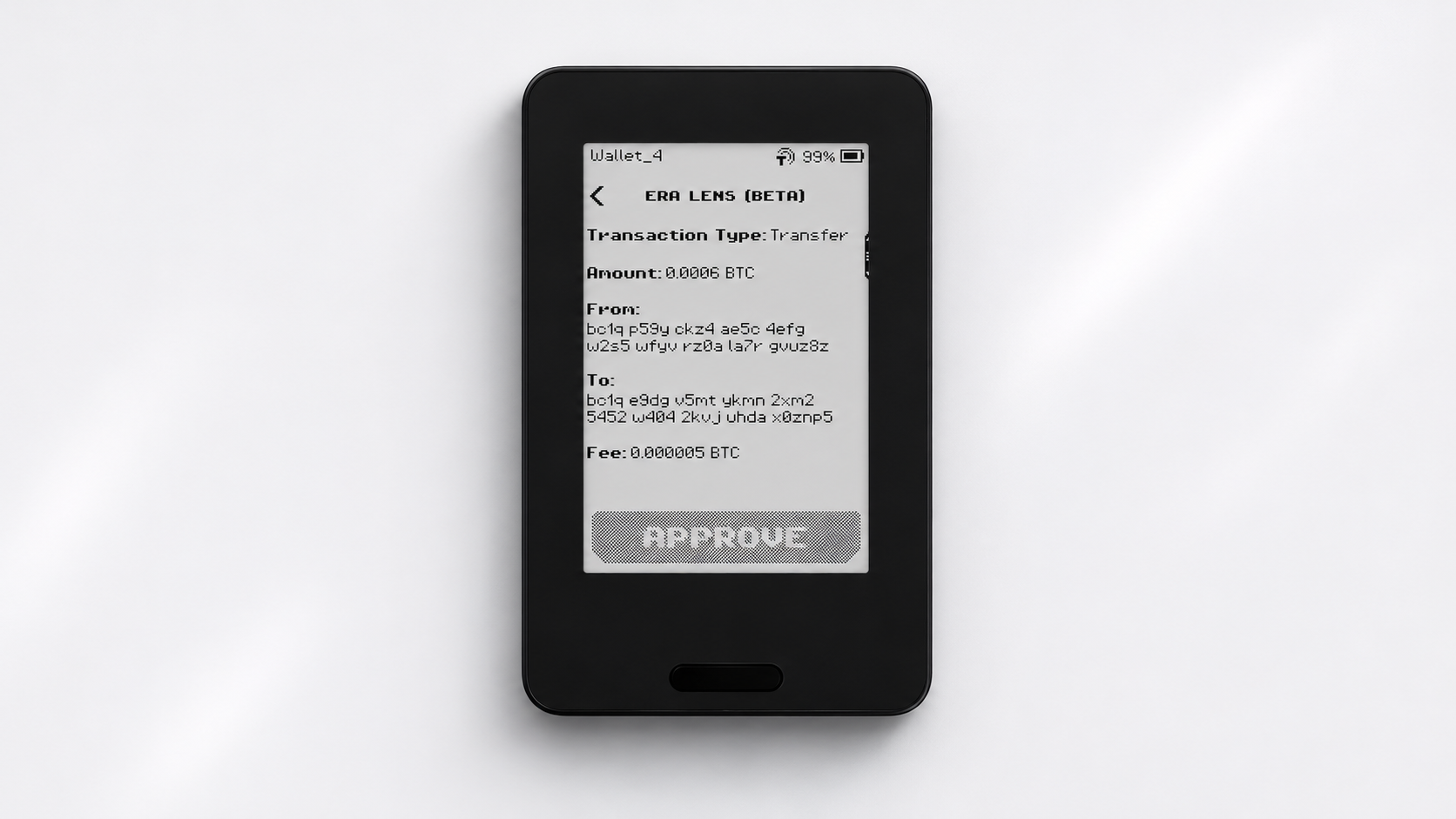
For an Ethereum transaction, for example, the review includes the sending and receiving addresses, the transfer amount, and fee information. Supported smart contract interactions can also include additional transaction details and security warnings.
We explain this process in more detail in our article on how ERA Lens works.
Receiving Crypto Through a QR Code
Address verification matters when receiving cryptocurrency, too.
The DEPOSIT function on the ERA Wallet device displays the receiving address and its corresponding QR code. Users can compare this information with the address displayed in the ERA Wallet app or another compatible software wallet.
When comparing addresses, make sure you have selected the same network, account, and address format.
Our guide to verifying crypto receiving addresses on a hardware wallet explains this process in more detail.
If you share a receiving QR code through a messaging application, verify that the payment details reaching the sender have not changed.
A Checklist Before Scanning and Signing
The following precautions can help reduce the risk of a crypto QR code scam:
- Check the source. Avoid payment codes from unexpected messages or unfamiliar websites.
- Inspect the decoded content. If scanning opens a website, verify its domain before entering information.
- Compare the full address. Use independently obtained payment details rather than relying on matching prefixes and suffixes.
- Check the network and amount. Payment codes may automatically populate transaction fields.
- Review what you authorize. Examine recipients, token permissions, contract interactions, and available security warnings.
- Reject unexpected requests. A simple payment should not require unexplained message signatures or token approvals.
- Consider a test transfer. For large payments, a small initial transaction can confirm that funds reach the specified destination, although it cannot establish the recipient's identity.
FAQ: QR Codes and Crypto Scam Prevention
Can a QR Code Steal Crypto Just by Being Scanned?
Scanning a QR code is not itself a blockchain transaction. However, the code may contain a fraudulent address, lead to a phishing website, or initiate a malicious authorization request.
How Can I Tell Whether a Crypto QR Code Is Fake?
Its appearance alone is not sufficient. Inspect the decoded content, verify where the payment details originated, and look for signs of physical tampering.
Can a Hardware Wallet Prevent Every QR Code Scam?
No. Hardware wallets provide an independent environment for reviewing supported transactions, but they cannot establish the identity of every recipient or authenticate every payment website.
How Do I Find My QR Code on Crypto.com?
Open the crypto deposit section in the Crypto.com App, select the cryptocurrency and supported network, and view the receiving address and QR code. Follow the Crypto.com deposit instructions for the relevant asset.
How Do I Scan a QR Code on Crypto.com?
When adding an external withdrawal address, use the scanner icon in the address entry interface. Check the decoded address and selected network before proceeding, following the Crypto.com withdrawal instructions.
Final Thoughts
A payment QR code should be treated as an input method, not proof that a recipient is legitimate.
Establish the authenticity of the payment details before constructing a transaction, then review the actual transaction on a trusted device before signing. If you cannot independently confirm the destination, postpone the transfer until you can.
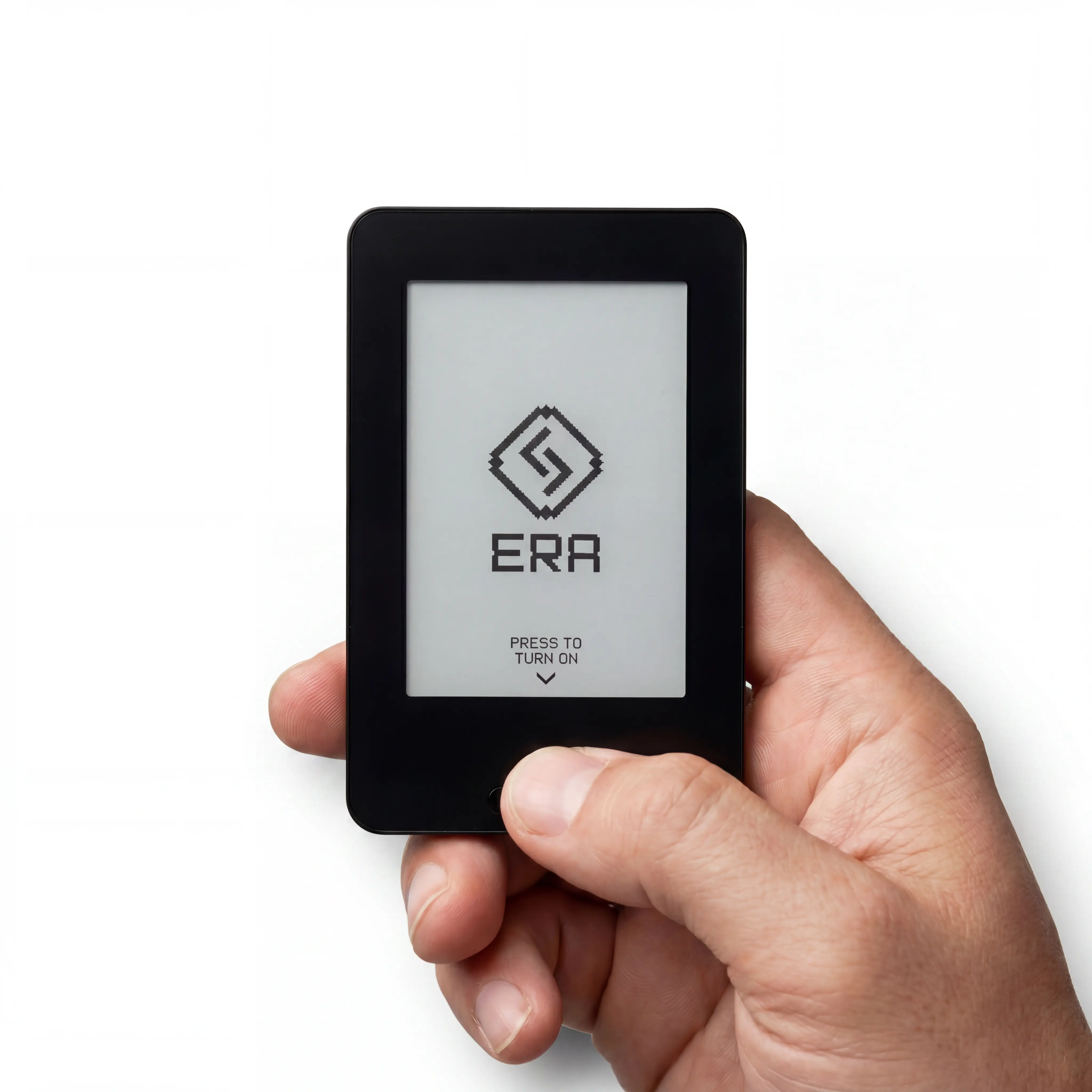
Review the transaction on your device before you sign.
Use the code below for 20% off.