ERA Just Got a Lot More Powerful
ERA hardware wallet owners can now pair their device with the new ERA Software Wallet app - built-in ERA Lens protection, Bitcoin multisig, 2FA, and a full independent audit by Cure53. Here's everything that's new.
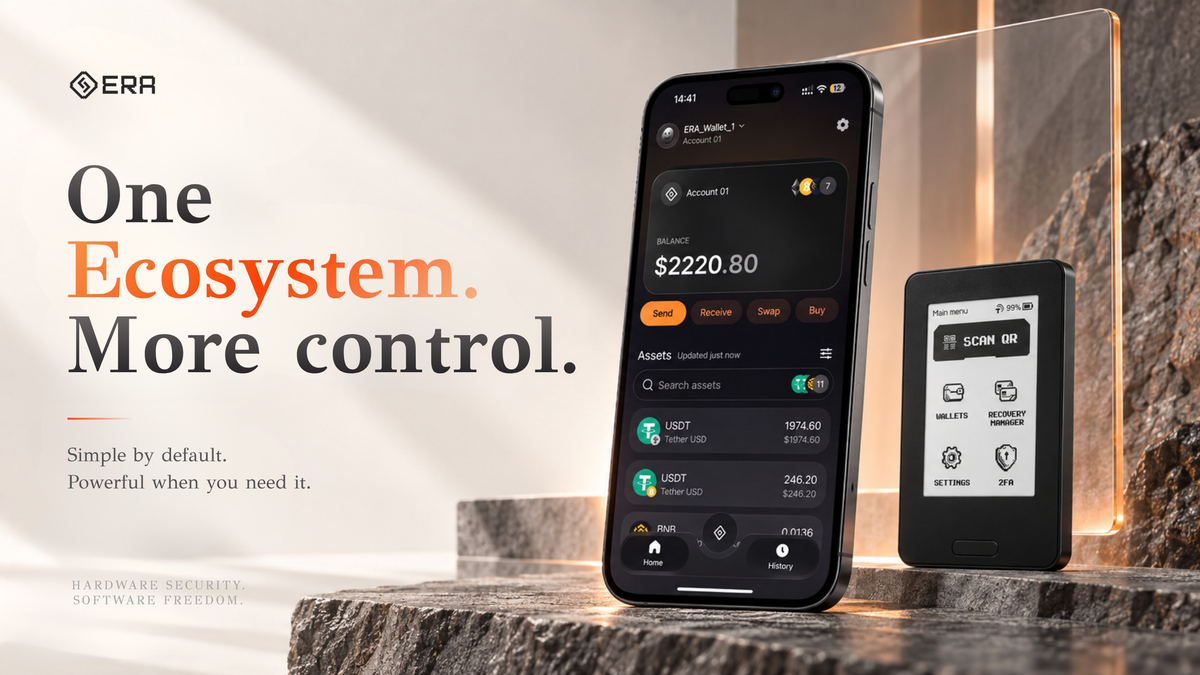
TL;DR: ERA hardware wallet owners can now connect their device to the new ERA Software Wallet app on their phone. The app handles portfolio management, sends and swaps, and dApp connections across 14 supported networks - Bitcoin, Ethereum, Solana, Tron, Base, Avalanche, Kaia, Arbitrum, Polygon, Gnosis, Aurora, Optimism, BNB Chain, and zkSync - while your ERA device keeps signing every transaction and your private keys never leave it. Alongside the app, ERA Lens (ERA's built-in transaction-decoding layer) now supports more protocols and more complex transaction types, and the whole ERA Software Wallet went through an independent white-box security audit by Cure53, with every finding fixed and retested before launch.
What Is the ERA Software Wallet?
The ERA Software Wallet is a companion mobile app that now connects to your ERA hardware wallet. It does not replace your hardware wallet and it does not hold your private keys - it's an interface layer on top of the security you already have.
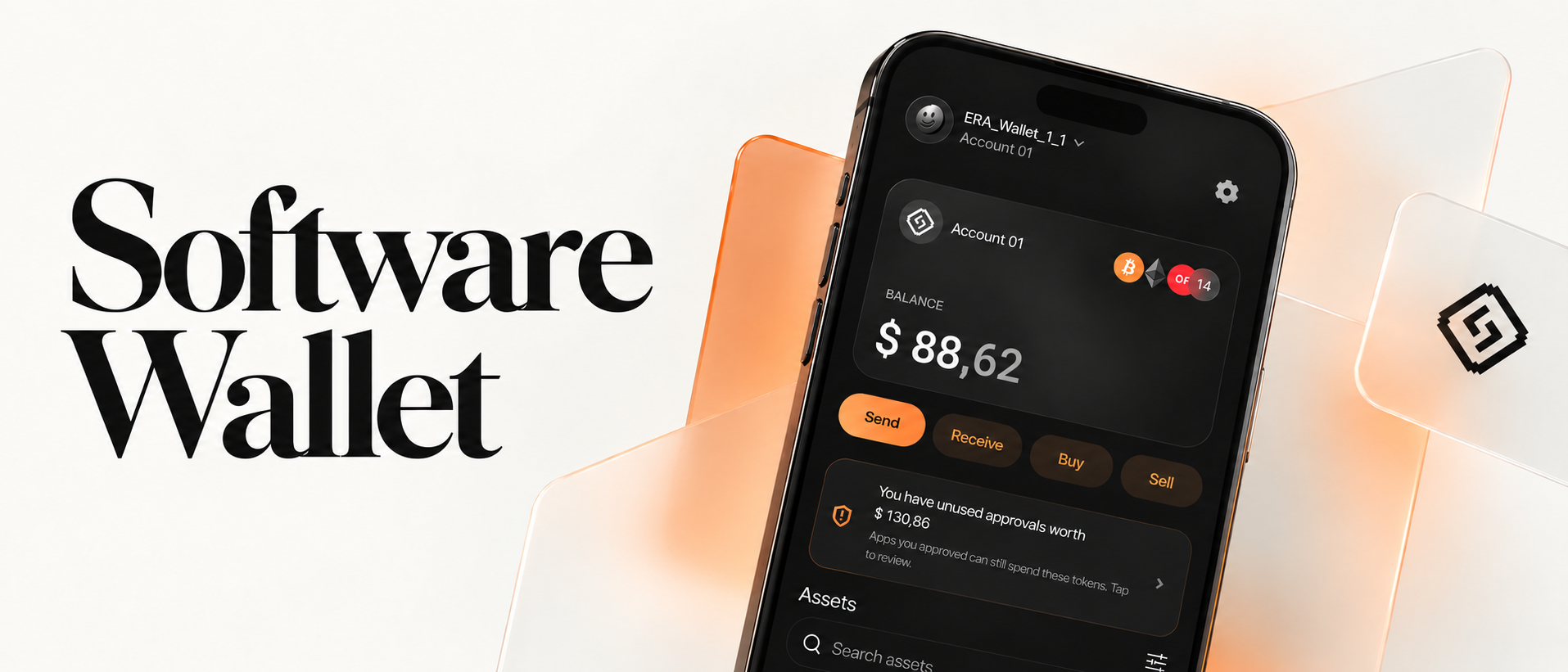
The division of labor is simple:
- Phone prepares - you browse balances, build a transaction, choose what to send or swap
- ERA device signs - the transaction is sent to your ERA hardware wallet for review and signature
- Private keys never leave - your seed and keys stay air-gapped on the device at all times
In other words, the app makes self-custody easier to use day to day, without changing where the actual security lives.
What you can do in the app
- Manage your portfolio across 14 supported networks: Bitcoin (SegWit, Taproot, and Legacy address types), Ethereum, Solana, Tron, Base, Avalanche, Kaia, Arbitrum, Polygon, Gnosis, Aurora, Optimism, BNB Chain, and zkSync
- Send and receive crypto with network-level protection from ERA Lens
- Buy and sell crypto directly in the app
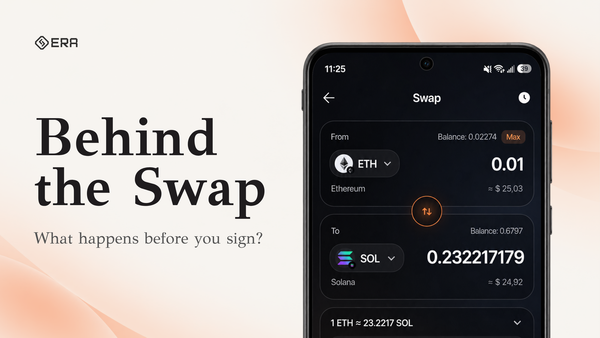
- Swap and bridge across chains in a single flow
- Connect to dApps via WalletConnect
- See transaction alerts, safety warnings, and full history
Early access to the ERA Software Wallet started with existing ERA hardware wallet owners. The app is available on both Android and iOS.
The Main Device Update: ERA Lens Gets a New Scam-Warning System
ERA Lens is the layer that decodes what you're about to sign - in plain language - before you approve it. This release expands what it can read and what it can catch.
Broader protocol coverage. ERA Lens now understands more DeFi and swap protocols, including Rango, imToken, Rabby, MetaMask Portfolio Bridge, Mayan, Squid, LayerSwap, Stargate V2, GasZip, and Magpie, plus refreshed routing support for 1inch, KyberSwap, Odos, ParaSwap, Uniswap, and Aave. Swaps and bridges are shown in plain terms: what's leaving your wallet, what's coming in, which network is involved, and who receives it.
Protection against newer, harder-to-read transaction types. ERA Lens can now decode EIP-7702, ERC-7821, and Safe multicall transactions - formats that used to show up on signing screens as vague or nearly empty. Now you see the specific actions inside them, and unlimited approvals to unfamiliar addresses are flagged automatically.
Tested against real attacks. The team added 37 real transactions from known incidents - including Bybit, WazirX, Radiant, Inferno Drainer, and PREMINT - into ERA's automated test suite. Every new firmware version is checked against these scenarios before release.
Cleaner review, either way you like it. Every transaction can be reviewed in Overview mode (transaction type, amounts, recipients - the essentials) or Details mode (the full technical breakdown). Warnings and security indicators stay visible in both.
Extended Protection on Mobile: Every Approval, Visible
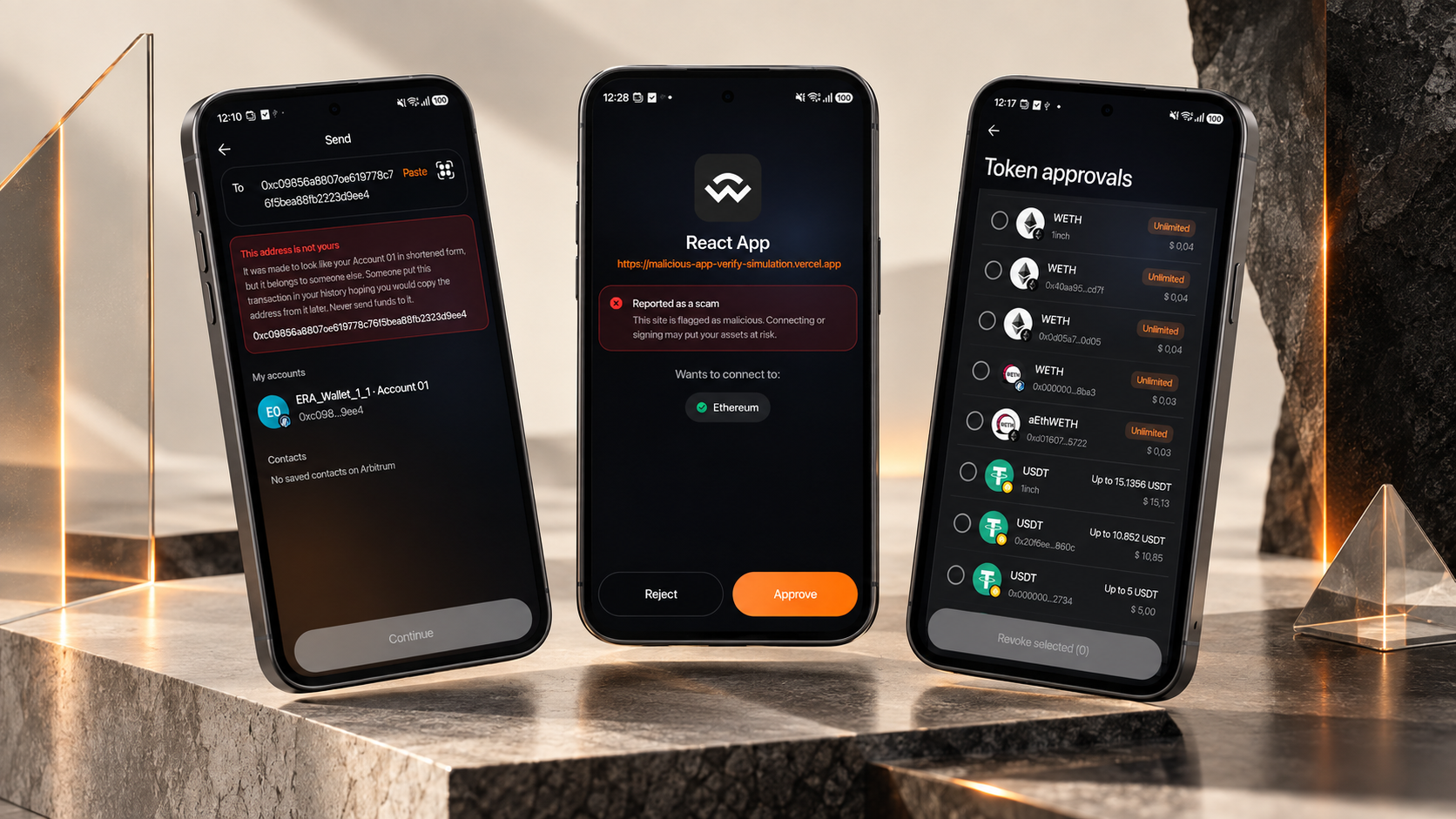
The ERA Software Wallet also ships with extended protection built into the app itself - a set of safeguards aimed at the scams that specifically target wallet users rather than the underlying blockchain, the kind that rely on you making one wrong copy-paste or forgetting what you once approved.
Approval visibility. The home screen surfaces a plain-language warning when you have unused token approvals, and a dedicated screen shows exactly which contract can spend how much of which token, in which network - so you can revoke access in one confirmation.
Address poisoning protection. In one common scam, an attacker publishes a fake transaction record showing a transfer between your real address and a near-identical copy of it - hoping you'll later copy that lookalike address out of your own history. Between July 2 and August 1, 2026, ERA tracked 66 such fake entries across 24 poisoned addresses, spanning 8 wallets and 8 networks. If a recipient address is a near-identical copy of one of your own addresses, the Continue button stays disabled - there's no "send anyway" option. Fake and zero-value transfers from unfamiliar addresses are filtered out of your history and don't trigger notifications by default; you can turn the filter off and see them grouped separately instead.
Dust and spam filtering. Tiny incoming transfers from addresses you've never interacted with are grouped into a single line rather than cluttering your history - nothing is hidden, one tap expands the full list. Tokens are flagged as spam based on a curated list of legitimate tokens plus reputation data, not simply on whether they carry a price, and a flagged token's value doesn't count toward your wallet total.
Progressive Security: The Same Device, More Options
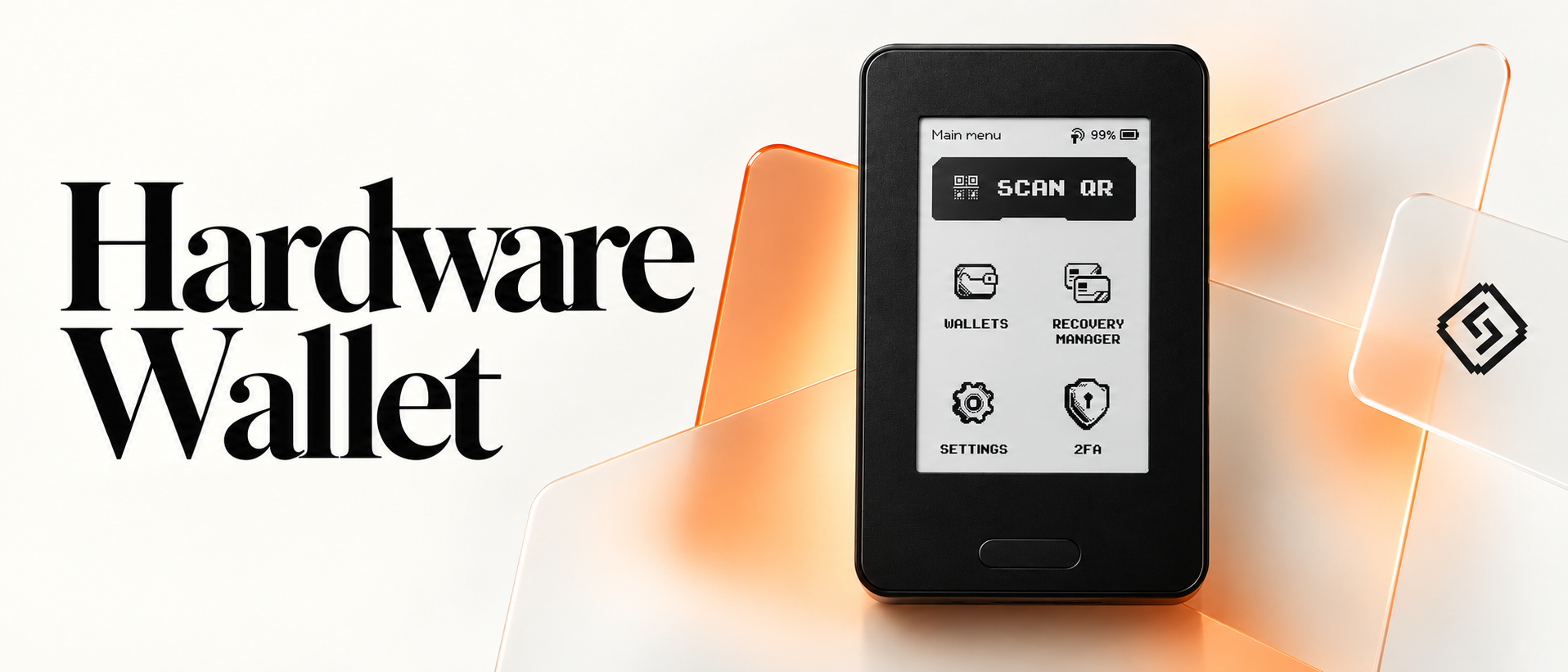
ERA's philosophy is simple by default, powerful when you need it. As your setup gets more advanced, your ERA hardware wallet grows with you - you don't need a new device.
Bitcoin multisig
ERA can act as one of the cosigners in a Bitcoin multisig setup - for example, one key in a 2-of-3 arrangement. This is useful for anyone who wants to remove any single point of failure from their Bitcoin holdings, whether that's a solo setup split across your own devices or a shared setup with other signers.
Tap Sign
Now that you have ERA Software Wallet on your phone + your ERA Hardware Wallet, signing can be even simpler with NFC.
Tap → Review → Approve → Tap
And no - QR codes aren’t going anywhere. QR signing stays.
Tap Sign simply gives you another option when you want a faster, more seamless way to sign.
Two-factor authentication (TOTP)
ERA can also store your TOTP (time-based one-time password) authentication codes directly on the device, so a second layer of your digital security lives on the same hardware that protects your keys - instead of on your phone alone.
Security First, Always: The Cure53 Audit
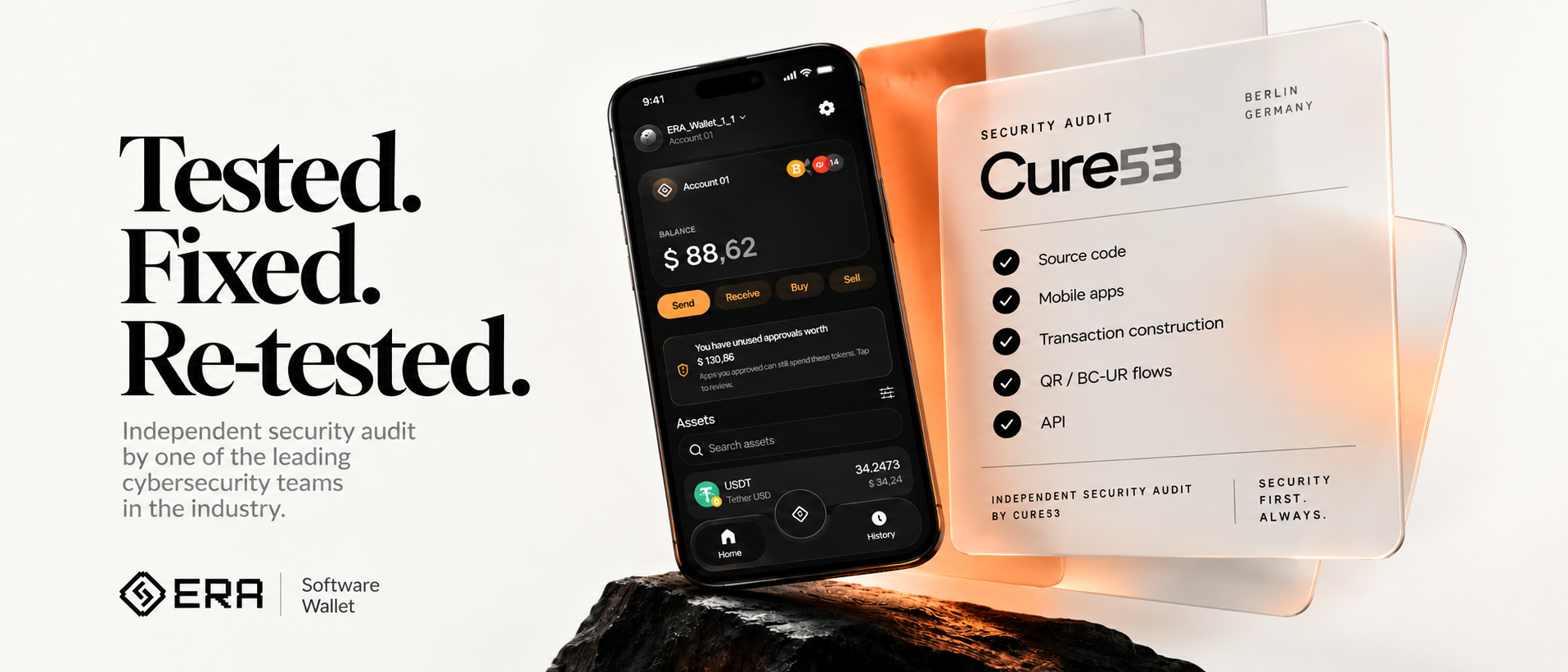
Before releasing the ERA Software Wallet, we commissioned a full independent security audit from Cure53, one of the industry's established cybersecurity firms.
- It was a white-box audit - Cure53 had access to source code, builds, documentation, and internal components.
- The scope covered the mobile app, the API, transaction construction, and QR / BC-UR signing flows.
- Every issue Cure53 identified was fixed.
- Cure53 then retested the fixes to confirm they held.
The full results are public: Summary report (PDF) | Full pentest report (PDF)
For us, an audit isn't a marketing checkbox - it's a repeatable process: test, find weaknesses, fix them, test again, and only then ship.
Now's a Good Time to Get an ERA Hardware Wallet
And if you've been thinking about getting an ERA Hardware Wallet, this is a good time.
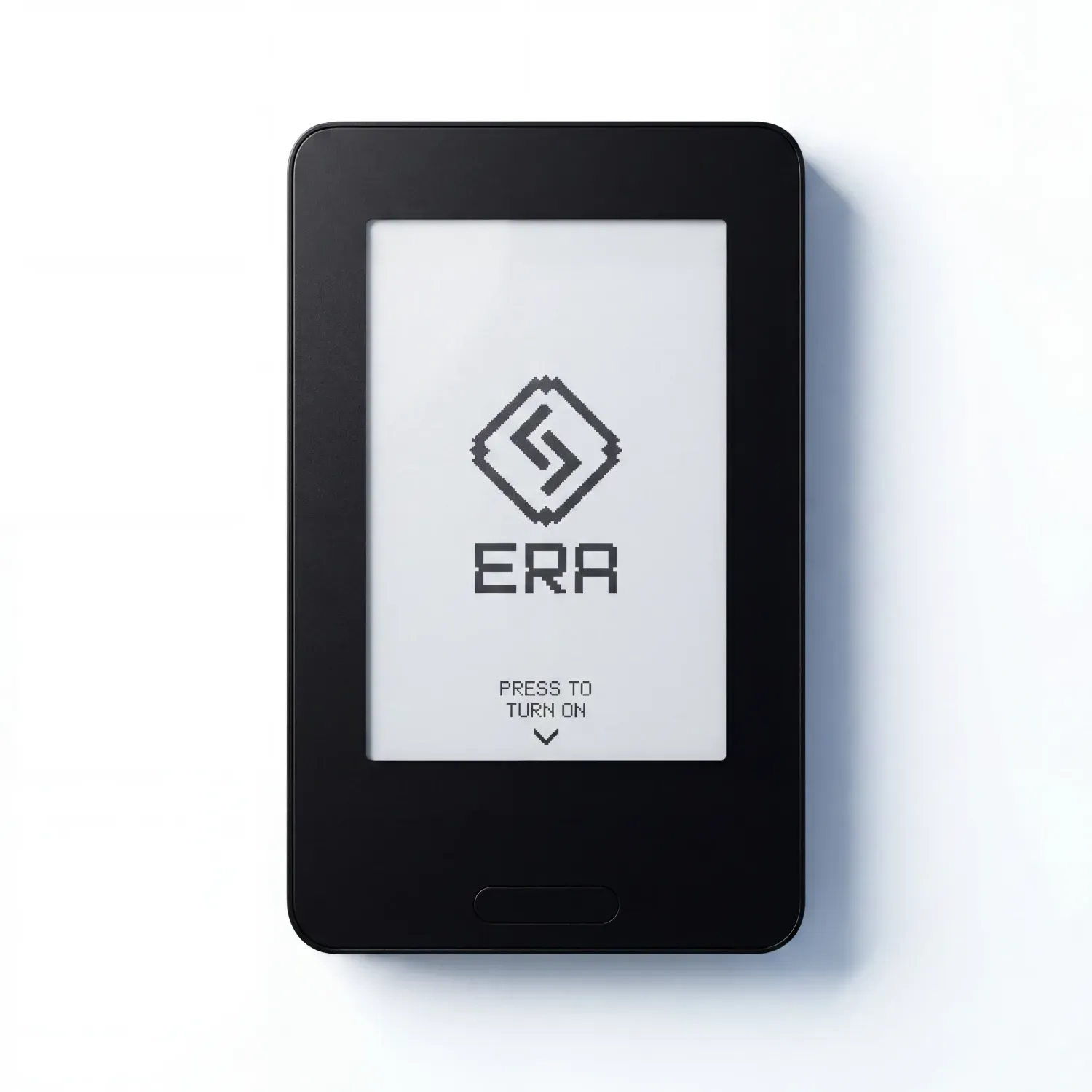
Code ERABLOG20 for 20% off.
Simple by default. Powerful when you need it.
FAQ
Does the ERA Software Wallet replace my ERA hardware wallet?
No. The app is an interface for managing and viewing your assets. Your private keys stay on the ERA hardware wallet and never touch the phone or the app.
How many networks does the ERA Software Wallet support?
14 networks, covering portfolio management, sending and receiving, buying and selling, and swapping/bridging.
Who can use the ERA Software Wallet?
Existing ERA hardware wallet owners get access first, ahead of broader availability.
Was the ERA Software Wallet security-audited?
Yes, before launch. Cure53 conducted a full white-box audit covering the mobile app, API, transaction construction, and QR/BC-UR flows. All findings were fixed and retested. The summary and full reports are public.
What is ERA Lens?
ERA Lens is ERA's built-in transaction-decoding layer. It translates what a transaction actually does into plain language before you sign, and flags risky patterns like unlimited approvals to unfamiliar addresses.